


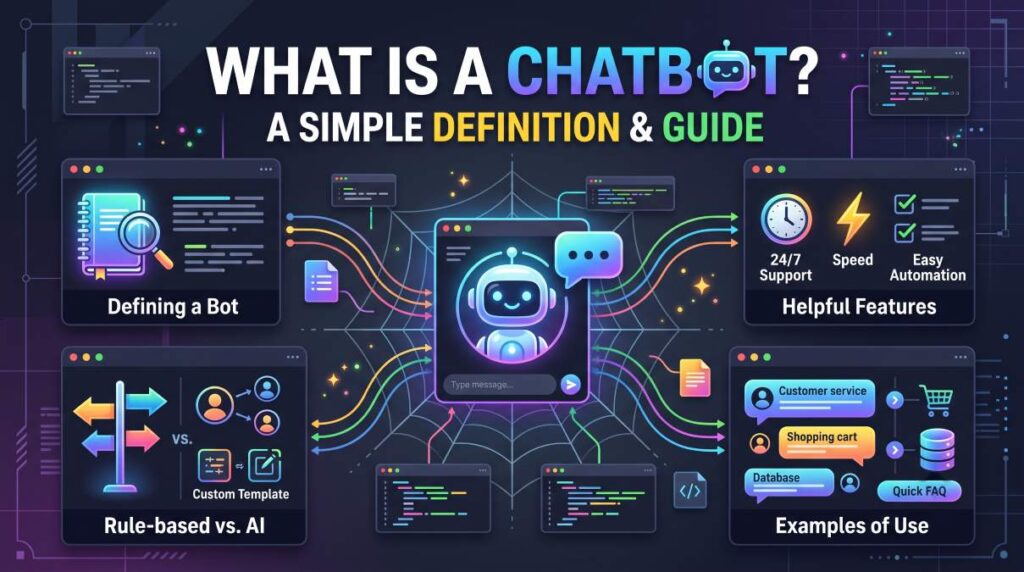
Have you ever visited a website and noticed a small chat window asking, “How can we help you today?” Perhaps you used it to track an order, find product information, or get an answer without waiting for customer support. That little window is often powered by a chatbot. What Is a Chatbot?
Chatbots have become common across online stores, banking websites, educational platforms, and business applications. However, not every chatbot works the same way. Some follow a simple set of instructions, while others can understand natural language and respond to more complicated questions.

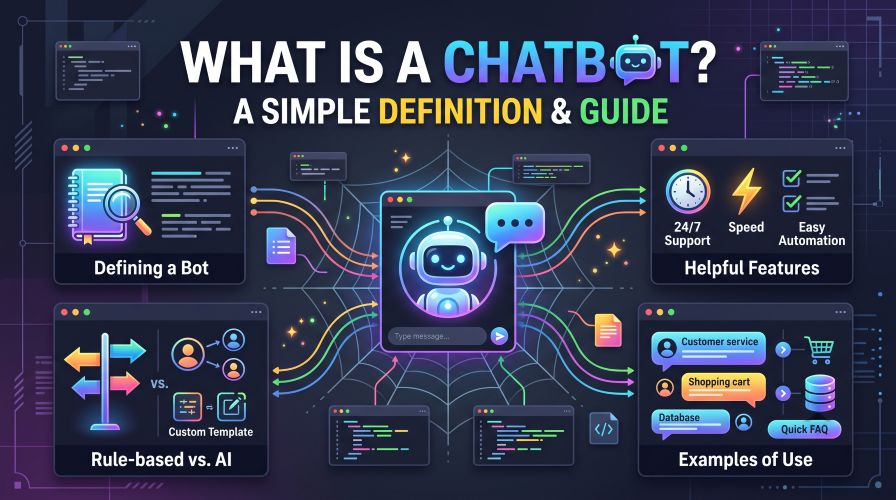
Understanding the difference can help you decide whether a chatbot is useful for your personal needs, website, or business.
In this guide, we will explain what a chatbot is, how it works, the main types available, and what to consider before choosing a chatbot tool.
Quick Summary: What Is a Chatbot?
A chatbot is a software application that communicates with people through text or voice. It answers questions, provides information, performs certain tasks, and helps users interact with a website, service, or application.
There are two common categories:
- Rule-based chatbots: Follow predefined rules, menus, and decision paths.
- AI-powered chatbots: Use artificial intelligence and language-processing technology to interpret questions and generate or select relevant responses.
Chatbots can help businesses answer common questions, assist shoppers, guide website visitors, and automate repetitive communication. However, their usefulness depends on how well they are designed, the information they can access, and the tasks they are allowed to perform.
What Is a Chatbot in Simple Words?
Imagine entering a shop and asking an employee where to find a particular product. The employee listens to your question and directs you to the correct section.
A chatbot performs a similar role online.
Instead of speaking with a human employee, you interact with a software program through a chat box, messaging application, or voice interface.
For example, a clothing store might use a chatbot to answer questions such as:
- Where can I find your return policy?
- Do you deliver to my city?
- How can I track my order?
- Which size should I consider?
- What payment methods do you accept?
A simple chatbot might display a menu with several options. A more advanced chatbot might understand a question written in everyday language and respond accordingly.
The important point is that a chatbot is a communication tool, not necessarily a human replacement or an all-purpose problem solver.
Its purpose is to make certain interactions easier, faster, or more convenient.
How Do Chatbots Work?
The technology behind a chatbot depends on its design. A basic chatbot can operate using predefined instructions, while a more advanced system may use natural language processing, machine learning, or connections to external software.
Here is a simplified explanation of how a chatbot interaction usually works.
1. The User Sends a Message
The process begins when someone types a question or speaks into a supported interface.
For example, a visitor might ask, “How long does delivery take?”
2. The Chatbot Interprets the Message
A rule-based chatbot checks the selected option or matches the message to predefined rules.
An AI-powered chatbot may analyze the words, context, and intent behind the question to determine what the user wants.
Must Read : Is Notion Safe? Security, Privacy & Data Protection Guide
3. The Chatbot Finds or Generates a Response
Depending on its design, the chatbot may:
- Display a predefined answer.
- Search an approved knowledge base.
- Retrieve information from a connected system.
- Generate a response using a language model.
- Ask a follow-up question when more information is needed.
For example, a support chatbot connected to an order management system may retrieve an order’s status after the customer provides the necessary information and passes any required verification.
4. The User Receives an Answer
The chatbot displays its response in the conversation window. If it cannot resolve the issue, a well-designed system may direct the user to a human support representative.
One important detail: A chatbot can only provide reliable information when it has suitable instructions, relevant data, and appropriate system access. More sophisticated technology does not automatically guarantee accurate answers.
What Are the Main Types of Chatbots?
Understanding the different types of chatbots makes it easier to choose one that matches your requirements.
1. Rule-Based Chatbots
Rule-based chatbots follow predefined instructions. They often use buttons, menus, keywords, and decision trees to guide conversations.
For example, a website chatbot might ask whether you need help with shipping, payments, or returns. Selecting an option opens the relevant information.
Advantages:
- Usually straightforward to configure.
- Responses can be predictable and controlled.
- Suitable for frequently asked questions.
- Easier to limit to approved information.
Limitations:
- May struggle with unexpected questions.
- Often depends on carefully designed conversation paths.
- Can feel restrictive when users want to ask questions freely.
Best for: Small websites, appointment requests, basic customer support, and frequently asked questions.
2. AI-Powered Chatbots
AI-powered chatbots use artificial intelligence to interpret language and respond to user requests. Depending on the system, they may also summarize information, classify requests, or perform connected tasks.
For example, a visitor could ask, “I’m looking for a lightweight laptop for university that costs less than my budget.”
An appropriately configured chatbot may ask about the visitor’s requirements and suggest relevant categories or products.
Advantages:
- Can handle a wider range of natural-language questions.
- May maintain context during a conversation.
- Can assist with research, recommendations, and information retrieval.
- May support multiple languages, depending on the product.
Limitations:
- Can misunderstand questions or provide incorrect information.
- May require more setup, testing, and ongoing supervision.
- Advanced features may involve usage fees or integration costs.
- Responses may need verification, particularly for important decisions.
Best for: Businesses and individuals who need flexible conversations, product discovery, internal knowledge assistance, or more advanced support workflows.
3. Voice Chatbots
Voice chatbots allow users to interact through spoken language rather than typing.
They may appear in voice assistants, telephone support systems, and interactive voice response platforms.
For example, a caller might ask about business hours or navigate a telephone support menu without speaking to a representative immediately.
Best for: Hands-free interactions, telephone-based services, and situations where speaking is more convenient than typing.
4. Hybrid Chatbots
Hybrid chatbots combine automated responses with access to human support.
A chatbot may answer routine questions first and transfer complicated cases to an employee.
This approach can be particularly useful when a business wants the speed of automation without removing the human support option.
Best for: Online stores, service businesses, and organizations handling both simple and complicated customer requests.
Chatbot Types Compared
| Chatbot type | How it works | Main advantage | Main limitation |
|---|---|---|---|
| Rule-based | Follows predefined rules | Predictable responses | Limited flexibility |
| AI-powered | Interprets natural language | Handles varied questions | May make mistakes |
| Voice-based | Communicates through speech | Convenient hands-free use | Depends on voice recognition and setup |
| Hybrid | Combines automation and human support | Flexible customer assistance | Requires effective handoff processes |
There is no single best type for every situation. A simple FAQ chatbot may be sufficient for a small informational website, while a large online store might benefit from a more capable system.
What Are the Benefits of Chatbots?
Chatbots can offer several practical benefits when their purpose is clearly defined.
Faster Responses to Common Questions
Visitors do not always want to search through multiple pages to find a return policy or contact detail.
A chatbot can provide the relevant information directly, reducing unnecessary navigation.
Support Outside Business Hours
A properly configured chatbot can answer approved questions even when a business’s human support team is unavailable.
However, continuous availability does not mean every issue can be resolved automatically. Complex requests may still require a person.
Less Repetitive Work
Customer support teams often answer the same questions repeatedly.
Automating routine requests can give employees more time to focus on cases that require judgment, investigation, or personal attention.
Better Product Discovery
On an affiliate website or online store, a chatbot can help visitors narrow down their options.
For example, a visitor researching website hosting might be asked about budget, expected traffic, technical experience, and the features they need.
The chatbot can then guide the visitor toward relevant comparison articles or product pages.
Recommendations should be based on the visitor’s requirements rather than simply promoting the highest-commission product.
More Convenient Website Navigation
A chatbot can help people locate tutorials, documentation, pricing pages, and support resources.
This can be especially useful on websites with large content libraries.
Still, chatbots work best as a supplement to clear navigation, useful search functionality, and well-organized content.
Where Are Chatbots Used in Real Life?
Chatbots are not limited to customer support. Their applications depend on the industry, the available data, and the tasks they are designed to handle.
Must Read : AI Tools for Marketers: Best Tools to Work Smarter
E-Commerce and Online Shopping
An online store may use a chatbot to answer questions about delivery, returns, product specifications, and order tracking.
A shopping assistant might also help users compare products based on size, price, compatibility, or intended use.
For shoppers, the main benefit is easier access to information. For businesses, the potential benefit is fewer repetitive inquiries.
Education and Online Learning
Educational chatbots can guide students to course materials, explain basic concepts, and answer routine administrative questions.
They can also help learners locate relevant lessons or practice questions.
However, students should verify important information and follow their institution’s rules regarding permitted assistance.
Healthcare Information
Some healthcare organizations use chatbots for administrative tasks, appointment guidance, and general health information.
These systems should not be treated as substitutes for qualified medical professionals. Sensitive medical information also requires appropriate privacy and security safeguards.
Banking and Financial Services
Financial institutions may use chatbots to explain account features, provide general product information, and direct customers to relevant services.
Account-specific actions should use appropriate authentication and security controls.
Users should never share passwords, one-time verification codes, or other sensitive credentials in an unverified chat window.
Affiliate Blogs and Content Websites
A chatbot can help readers find articles, compare software categories, or understand technical terms.
For example, a technology blog could use a chatbot to guide visitors toward articles about password managers, website builders, cloud storage, or productivity software.
The most helpful approach is to answer the reader’s question first and present relevant product information only when it genuinely fits their needs.
Chatbot Features Worth Understanding Before You Choose One
Not every chatbot tool offers the same capabilities. Before paying for a subscription, consider the features that directly support your intended use.
Natural-Language Understanding
Can visitors ask questions naturally, or must they choose from a fixed menu?
Rule-based systems may be sufficient for structured workflows. More flexible conversations generally require more advanced language capabilities.
Knowledge Base Integration
Some chatbots can use your website content, help documents, or approved internal resources to answer questions.
Check how the system retrieves information, whether you can update its knowledge base, and whether responses include useful references.
Website and App Integration
A chatbot may need to work with WordPress, an online store, a CRM, a help desk, or a messaging application.
Verify compatibility before subscribing. A feature advertised by a provider may depend on your plan, platform, or additional integrations.
Human Handoff
For customer-facing applications, the ability to transfer a conversation to a human can be essential.
Look for options that preserve the conversation history and make it clear when a human representative is needed.
Analytics and Reporting
Useful reporting features may include conversation volume, unanswered questions, common topics, and handoff rates.
These insights can help you identify gaps in your documentation and improve the chatbot over time.
Privacy and Security Controls
Review the provider’s data retention practices, access permissions, security documentation, and available privacy settings.
Avoid collecting information you do not need. If your chatbot processes personal data, make sure your implementation follows applicable privacy requirements.
Popular Chatbot Tools to Explore
If you want to test chatbot software, begin by comparing products that match your specific use case.
The following options represent different approaches rather than a universal ranking.
Tidio
Tidio offers customer communication tools, including live chat and chatbot functionality.
It may be worth exploring if you manage an online store or business website and want to combine automated interactions with customer support.
Consider it if: You need website chat, customer communication, or e-commerce support features.
Before subscribing: Review current plan limits, available integrations, automation capabilities, and pricing.
Must Read : Open Source Notion Alternatives: 10 Best Free Tools (2026)
Intercom
Intercom provides customer communication and support software, including automation and AI-assisted support capabilities.
It may suit businesses that need more extensive customer service workflows and integrations.
Consider it if: You manage a growing support operation and need a broader customer communication platform.
Before subscribing: Compare the total cost, usage limits, available features, and whether the platform is appropriate for your team’s size.
HubSpot
HubSpot offers customer relationship management software with tools for marketing, sales, and customer service. Its available chat and automation features depend on the product and plan.
It may be useful for businesses that want customer conversations connected to a broader CRM workflow.
Consider it if: You already use, or plan to use, a CRM to manage customer interactions.
Before subscribing: Confirm which chatbot, automation, and reporting features are included in your selected plan.
Chatbots: Pros and Cons
Before adopting a chatbot, weigh its convenience against its limitations.
| Pros | Cons |
|---|---|
| Can answer routine questions quickly | May misunderstand requests |
| Can provide assistance outside business hours | Cannot reliably handle every situation |
| Can automate repetitive tasks | Requires setup and maintenance |
| Can guide users toward relevant information | Poorly designed bots can frustrate visitors |
| May connect with other business tools | Integrations may cost extra |
| Can collect useful service insights | Data collection creates privacy responsibilities |
The real value comes from choosing suitable tasks and measuring whether the chatbot actually improves the user experience.
Chatbot vs. Live Chat: Which Is Better?
A chatbot and live chat serve related but different purposes.
A chatbot automates some or all of a conversation. Live chat usually connects a visitor with a human representative in real time, although some platforms combine both approaches.
| Feature | Chatbot | Live chat |
|---|---|---|
| Response availability | Can be available around the clock | Depends on staff availability |
| Routine questions | Can automate common answers | Usually handled by an employee |
| Complex problems | May need human escalation | Human judgment is available |
| Operating effort | Requires configuration and monitoring | Requires staff scheduling |
| Personal interaction | Varies by system | Direct human conversation |
Which should you choose?
Choose a chatbot if you receive many repetitive questions or need automated guidance outside business hours.
Choose live chat if your customers frequently need detailed explanations, personalized assistance, or sensitive support.
For many businesses, a hybrid approach provides a sensible balance.
How to Choose the Right Chatbot for Your Needs
Choosing software based only on its feature list can lead to unnecessary expenses. Start with the problem you want to solve.
Step 1: Define Your Main Goal
Write down the specific task you want to automate.
Examples include answering FAQs, helping shoppers find products, guiding website visitors, or assisting a support team.
A narrow, measurable goal makes it easier to evaluate whether a chatbot is worthwhile.
Step 2: Set a Realistic Budget
Check the total cost rather than focusing only on the advertised starting price.
Depending on the provider, expenses may include subscriptions, usage-based charges, additional seats, integrations, or implementation work.
A free plan can be a reasonable starting point if its limits meet your requirements.
Step 3: Check Compatibility
If you use WordPress, confirm that the chatbot supports your setup and does not require integrations you cannot maintain.
For other platforms, check whether the required plugins, APIs, and account permissions are available.
Step 4: Test Answer Quality
Prepare a small set of realistic questions before committing to a paid plan.
Include straightforward requests, unusual wording, and questions the chatbot should not answer.
Check whether it provides useful responses, acknowledges uncertainty, and directs visitors to human assistance when necessary.
Step 5: Review Privacy and Support
Read the provider’s privacy policy and documentation. Confirm how conversation data is stored, who can access it, and whether you can delete or export it.
Also review customer support availability, documentation quality, and cancellation terms.
Step 6: Measure Results
Once the chatbot is live, track relevant indicators such as:
- Questions answered successfully.
- Requests transferred to human staff.
- Visitor satisfaction.
- Repeated or unanswered questions.
- Support time saved.
- Subscription and operating costs.
Use these findings to improve the experience rather than assuming automation is automatically beneficial.
Are Chatbots Safe to Use?
Chatbots can be useful, but safety depends on the service, the information shared, and how the system is configured.
Follow these practical precautions:
- Avoid sharing passwords, payment card details, or verification codes in untrusted chat windows.
- Check that you are using the official website or application.
- Verify important claims using reliable sources.
- Review privacy settings before submitting personal information.
- Be cautious when a chatbot provides financial, medical, legal, or other high-impact guidance.
- Use strong access controls when connecting a chatbot to business systems.
Businesses should also make it clear when users are interacting with an automated system, particularly when that information affects user expectations or consent.
A trustworthy chatbot should help users understand their options, not pressure them into sharing unnecessary information or making rushed decisions.
Frequently Asked Questions About Chatbots
1. What is a chatbot in simple words?
A chatbot is a software program that communicates with people through text or voice. It can answer questions, provide information, guide users through tasks, and automate certain interactions.
2. How does a chatbot work?
A chatbot receives a message, interprets it using predefined rules or language-processing technology, and provides an appropriate response. Some chatbots can also retrieve information from connected databases or business applications.
3. What are the main types of chatbots?
The main types include rule-based chatbots, AI-powered chatbots, voice chatbots, and hybrid chatbots that combine automation with human support.
4. Are chatbots free to use?
Some chatbot providers offer free plans or trials, while others charge subscription or usage fees. Features, limits, and prices vary by provider, so check the current terms before signing up.
5. What is the difference between a chatbot and an AI chatbot?
A traditional rule-based chatbot follows predefined instructions and conversation paths. An AI-powered chatbot can use language-processing technology to interpret a broader range of questions and respond more flexibly.
6. Can I add a chatbot to my WordPress website?
Yes. Depending on your requirements, you can use a compatible WordPress plugin, an integration offered by a chatbot provider, or a supported website installation method. Check compatibility, performance impact, privacy settings, and plan requirements before installing it.
7. Are chatbots replacing human customer support?
Not completely. Chatbots can handle routine tasks, but complex complaints, sensitive situations, and requests requiring human judgment often benefit from direct assistance. Many organizations use chatbots alongside human support teams.
8. How do I choose the best chatbot for a small business?
Start by identifying your main use case, budget, required integrations, and privacy needs. Test response quality and review plan limits before choosing a provider. The best option is the one that solves your specific problem at a reasonable total cost.
Final Verdict: Is a Chatbot Worth Using?
A chatbot is a software tool that makes digital communication more convenient by answering questions, guiding users, and automating selected tasks.
For a small business, it may reduce repetitive support work. For an online store, it can help shoppers find relevant information. For a content website, it can guide readers toward useful articles and resources.
However, a chatbot is not automatically the right solution for every website. Its effectiveness depends on the quality of its information, its configuration, its privacy safeguards, and the availability of human support when needed.
If you are new to chatbots, begin with a clear objective and test a free plan or trial where available. Compare at least two suitable options before paying for features you may not need.
For business websites, prioritize reliable answers, straightforward navigation, and a clear path to human assistance. For affiliate websites, prioritize genuinely useful recommendations and disclose commercial relationships.
The best chatbot is not necessarily the one with the most features. It is the one that helps users accomplish a real task without adding unnecessary complexity.