


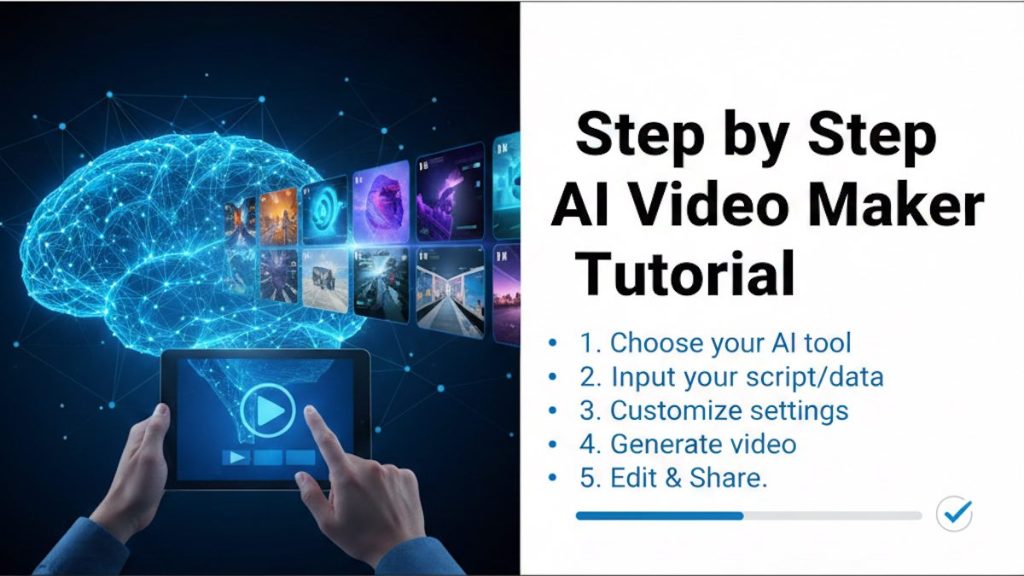
The most important communication medium is videos. It helps to market products, educate audiences, and tell stories. In this Step by Step AI Video Maker tutorial you will get to know how to use an AI video maker. However, traditional video production often requires expensive equipment, editing skills, and a lot of time. This is where AI video makers change the game. AI-powered video creation tools allow beginners and professionals alike to create high-quality videos using text, images, voiceovers, and templates—often in minutes instead of days.


In this step-by-step AI video maker tutorial, you will learn how AI video tools work, how to choose the right platform, and how to create a complete video from scratch. This guide is designed to be beginner-friendly, practical, and easy to follow, even if you have no prior video editing experience.
Step by Step AI Video Maker tutorial
What Is an AI Video Maker?
An AI video maker is a software platform that uses artificial intelligence to automate parts of the video creation process. Instead of manually editing clips, adjusting transitions, and syncing audio, the AI does much of the work for you.
Most AI video makers can:
- Turn text scripts into videos automatically
- Generate voiceovers using AI voices
- Add subtitles and captions
- Select visuals based on your script
- Apply transitions, music, and effects
- Resize videos for social media platforms
Some tools focus on marketing videos, others on explainer videos, social media reels, or educational content. Despite these differences, the core workflow remains similar across most AI video platforms.
Must Read : How to Create Marketing Videos with an AI Video Maker
Step 1: Define the Purpose of Your Video
Before opening any AI video tool, you need clarity about what you want to achieve. AI works best when you give it clear instructions.
Ask yourself the following questions:
- Who is the target audience?
- What problem does the video solve?
- Is the goal to educate, entertain, or sell?
- Where will the video be published (YouTube, Instagram, website, ads)?
For example, a YouTube tutorial requires a different style than a short Instagram Reel. Knowing your goal helps you choose the right format, length, and tone.
Step 2: Write a Clear and Simple Script
Your script is the foundation of your AI-generated video. Most AI video makers rely heavily on text input, so a well-written script produces better results.
Tips for Writing an Effective Script
- Keep sentences short and conversational
- Avoid complex vocabulary unless necessary
- Write as if you are speaking to one person
- Break the script into sections or scenes
- Include pauses or emphasis if supported by the tool
A good rule of thumb is to write around 130–150 words per minute of video. For a 2-minute video, aim for about 260–300 words.
Step 3: Choose the Right AI Video Maker
There are many AI video makers available, each with its own strengths. When choosing a tool, consider the following factors:
- Ease of use
- Quality of AI voiceovers
- Customization options
- Supported video formats
- Pricing and free trial availability
Popular features to look for include:
- Text-to-video conversion
- Multiple AI voice options
- Stock media library
- Subtitle generation
- Brand customization (logos, colors, fonts)
Once you select a platform, create an account and familiarize yourself with the dashboard.
Step 4: Start a New Video Project
After logging in, most AI video makers provide a “Create New Video” or similar button. Click it to begin your project.
You may be asked to choose:
- Video type (explainer, marketing, social media, presentation)
- Aspect ratio (16:9, 9:16, 1:1)
- Template or blank project
If you are a beginner, selecting a template is often the best choice. Templates come with pre-built layouts, transitions, and timing that make your video look professional instantly.
Must Read : Blockchain Wallet Guide: How to Choose and Use the Best Wallet in 2025
Step 5: Add Your Script to the AI Tool
Once your project is open, locate the script or text input section. Paste your prepared script into the editor.
Most AI video makers automatically:
- Split the script into scenes
- Match text with visuals
- Adjust timing based on sentence length
Review how the AI divides your content. You can usually edit scene breaks, rearrange sections, or merge scenes to better match your message.
Step 6: Select or Generate Visuals
AI video tools often use stock images, video clips, icons, or animations. Based on your script, the AI may automatically suggest visuals for each scene.
You typically have three options:
- Accept AI-selected visuals
- Search the built-in media library
- Upload your own images or video clips
For best results:
- Use visuals that directly support your message
- Avoid cluttered or low-quality images
- Keep visual style consistent throughout the video
If your video is educational, simple animations and icons often work better than complex footage.
Step 7: Choose an AI Voice or Add Your Own
Voiceover is one of the most powerful features of AI video makers. You can select from a variety of AI-generated voices in different accents, genders, and tones.
How to Choose the Right Voice
- Match the voice to your audience
- Use a calm tone for tutorials
- Use an energetic tone for marketing
- Avoid overly robotic voices
Most platforms allow you to preview voices before applying them. Some tools also let you adjust speed, pitch, and pauses.
If you prefer a personal touch, you can upload your own recorded voice instead.
Step 8: Add Background Music
Background music enhances engagement and sets the mood. AI video makers usually provide a library of royalty-free music tracks.
When adding music:
- Keep volume lower than the voiceover
- Choose music that fits the video’s emotion
- Avoid distracting or aggressive tracks
Some tools use AI to automatically balance music volume with speech, which saves time and improves audio quality.
Step 9: Customize Text, Fonts, and Branding
Customization is where your video becomes truly unique. Most AI video platforms allow you to:
- Change font styles and sizes
- Adjust text colors
- Add your logo
- Apply brand colors
- Modify animations and transitions
For professional results:
- Use no more than two fonts
- Maintain consistent text alignment
- Avoid overly flashy animations
Brand consistency is especially important for businesses and content creators building long-term recognition.
Step 10: Add Subtitles and Captions
Subtitles are essential for accessibility and social media performance. Many viewers watch videos without sound, especially on mobile devices.
Most AI video makers can:
- Auto-generate subtitles
- Sync captions with voiceover
- Translate subtitles into multiple languages
Always review subtitles for accuracy. AI is powerful, but small errors can still occur, especially with names or technical terms.
Must Read : Blockchain What Is It? A Beginner’s Guide to Understanding the Technology
Step 11: Preview and Edit the Video
Before exporting, preview your entire video from start to finish. Look for:
- Timing issues
- Text overlapping visuals
- Incorrect visuals
- Audio volume inconsistencies
- Spelling or grammar mistakes
Make small adjustments as needed. This step ensures your final video looks polished and professional.
Step 12: Export and Download Your Video
Once you are satisfied, click the export or render button. You may be asked to choose:
- Video resolution (720p, 1080p, 4K)
- File format (MP4 is most common)
- Frame rate
Higher resolutions look better but take longer to render and result in larger file sizes. Choose based on where the video will be published.
After exporting, download the video to your device.
Step 13: Publish and Optimize Your Video
Your video is now ready to be shared. Upload it to your chosen platform and optimize it for better reach.
Optimization Tips
- Write a clear, keyword-rich title
- Add a compelling description
- Use relevant tags or hashtags
- Design an eye-catching thumbnail
If you plan to reuse the video, many AI tools allow you to quickly resize it for different platforms without re-editing.
Common Mistakes to Avoid
When using AI video makers, beginners often make these mistakes:
- Overloading videos with too much text
- Relying entirely on AI without reviewing
- Using mismatched visuals and script
- Ignoring branding consistency
- Skipping subtitle checks
Avoiding these mistakes will significantly improve your video quality.
Benefits of Using AI Video Makers
AI video creation offers several advantages:
- Saves time and cost
- Requires no advanced editing skills
- Scales content production easily
- Enables quick experimentation
- Improves accessibility with captions
For businesses, educators, and creators, AI video tools provide a powerful way to stay competitive in a video-first digital world.
Final Thoughts
Creating videos no longer needs to be complicated or expensive. With the right AI video maker and a clear step-by-step process, anyone can produce engaging, professional-quality videos.
By following this AI video maker tutorial—from planning and scripting to exporting and publishing—you can confidently create videos that capture attention and deliver your message effectively. As AI technology continues to improve, these tools will only become more powerful, making now the perfect time to start using them.
Whether you are a beginner or an experienced creator, AI video makers open the door to faster, smarter, and more creative video production.