


If you’ve ever received a QuarkXPress (.QXP) file but don’t have access to the original software, you already know the frustration.
You can’t open it.
You can’t edit it.
And worst of all, you risk losing valuable design work.
That’s where QXPMarkz steps in.
But is it actually worth your money, or just another niche tool?


⚡ Quick Summary
- Best for: Designers, publishers, agencies handling legacy QXP files
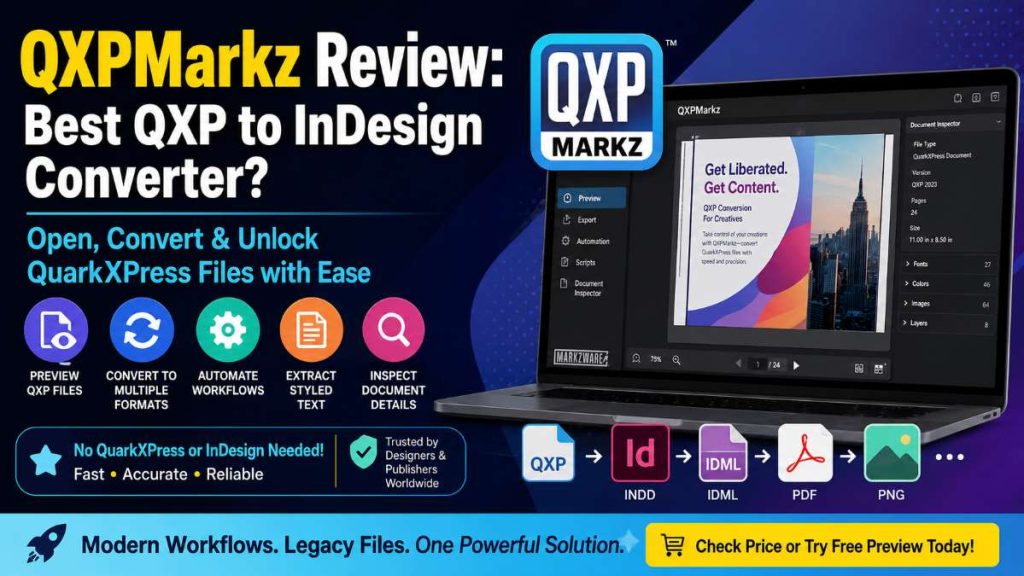
- Main function: Convert QXP to InDesign, IDML, PDF, and more
- Big advantage: No need for QuarkXPress or InDesign installed
- Standout feature: High-accuracy conversion with layout preservation
- Verdict: A must-have if you regularly work with QuarkXPress files
👉 Want to skip the details?
Check price or try the free preview version to see how it works.
🧠 What Is QXPMarkz?
QXPMarkz is a standalone file conversion tool developed by Markzware.
It allows you to:
- Open QuarkXPress files without QuarkXPress
- Convert them into editable formats
- Extract content for reuse across platforms
Think of it as a bridge between old publishing formats and modern workflows.
💡 Key Features of QXPMarkz
1. 📂 Open QXP Files Without QuarkXPress
One of the biggest pain points solved:
You don’t need QuarkXPress installed.
This alone saves:
- Software licensing costs
- System compatibility issues
- Time spent setting up legacy tools
Must Read : Markzware FlightCheck Review: Is It the Best Preflight Tool?
2. 🔄 Convert QXP to Multiple Formats
QXPMarkz supports conversion to:
- Adobe InDesign (.INDD)
- IDML (for cross-platform editing)
- PDF, PNG, TIFF, JPEG
- HTML, RTF, TXT
👉 This flexibility makes it more than just a converter—it’s a content repurposing tool.
3. 👀 Built-in QXP File Previewer
Not sure what’s inside a file?
QXPMarkz lets you:
- Preview layouts instantly
- Zoom into text and images
- Inspect document structure
This is perfect for quick validation before conversion.
4. ⚙️ Automation & Workflow Integration
If you handle files in bulk, this is where QXPMarkz shines:
- Automation preferences
- AppleScript support
- Custom URL schemes
You can even double-click a QXP file and auto-open it in your preferred app.
5. 🧾 Extract Styled Text
Need just the content?
QXPMarkz allows you to extract:
- Styled text (RTF, HTML)
- Plain text (TXT)
- Structured formats
Perfect for:
- Content migration
- SEO republishing
- Digital archiving
6. 🔍 Document Inspector
Before converting, you can view:
- Fonts
- Colors
- Page size
- Images
- File metadata
This helps avoid surprises during conversion.
Must Read : Best Philips 24 Inch Monitor in 2026 – Full HD, Affordable & Reliable
📊 Feature Overview Table
| Feature | Available |
|---|---|
| QXP Preview | ✅ |
| Convert to InDesign | ✅ |
| Export to IDML | ✅ |
| Batch Automation | ✅ |
| Text Extraction | ✅ |
| Works Without QuarkXPress | ✅ |
👍 Pros and 👎 Cons
✅ Pros
- No need for QuarkXPress installed
- High-quality layout preservation
- Supports multiple export formats
- Automation-friendly
- Free preview version available
❌ Cons
- Full features require paid license
- Niche use (not for casual users)
- Learning curve for advanced automation
🔄 QXPMarkz vs Alternatives
| Tool | Best For | Limitation |
|---|---|---|
| QXPMarkz | Full QXP conversion | Paid |
| Manual Rebuild | Small projects | Time-consuming |
| Plugins (like Q2ID) | InDesign users | Requires host app |
👉 Compared to legacy plugins, QXPMarkz offers more independence and flexibility.
🎯 Who Should Use QXPMarkz?
This tool is ideal if you are:
👨🎨 Designers & Creative Professionals
Working with archived or client-provided QXP files.
🏢 Publishing Houses
Handling large volumes of legacy documents.
👨💻 Agencies & Freelancers
Migrating projects to modern tools like Affinity Publisher.
📚 Content Teams
Extracting and repurposing old content into digital formats.
Must Read : SkinFiner 5 Review : Is It the Fastest Portrait Retouching Tool?
💼 Real-World Use Cases
🧩 Scenario 1: Client Sends Old QXP File
Instead of asking for another format, just open and convert it instantly.
🔄 Scenario 2: Migrating to InDesign
Convert hundreds of QXP files into IDML and continue editing in Adobe InDesign.
📈 Scenario 3: Content Repurposing
Extract text and reuse it for blogs, websites, or marketing materials.
🛒 Buying Guide: Things to Consider
Before purchasing QXPMarkz, ask yourself:
❓ How often do you handle QXP files?
If it’s frequent → worth it
If it’s rare → try the free preview first
❓ Do you need automation?
Bulk workflows benefit the most.
❓ Are layout accuracy and speed important?
QXPMarkz excels in both.
❓ FAQs (People Also Ask)
1. What is QXPMarkz used for?
QXPMarkz is used to open, preview, and convert QuarkXPress files into formats like InDesign, IDML, and PDF.
2. Can I open QXP files without QuarkXPress?
Yes, QXPMarkz allows you to open and convert files without needing QuarkXPress installed.
Must Read : Best Android Apps for Productivity in 2026 (Work Smarter Daily)
3. Does QXPMarkz support batch processing?
Yes, it includes automation features for handling multiple files efficiently.
4. Is QXPMarkz better than Q2ID?
For most users, yes. It’s more flexible and works as a standalone app instead of a plugin.
5. Can I export QXP files to PDF?
Absolutely. QXPMarkz supports exporting to PDF and several other formats.
6. Is there a free version of QXPMarkz?
Yes, you can download a free version to preview QXP files. Export features require a license.
7. Does it preserve formatting during conversion?
Yes, it maintains most design elements like fonts, images, and layout structure.
🏁 Final Verdict: Is QXPMarkz Worth It?
If you regularly deal with QuarkXPress files, QXPMarkz is not just useful—it’s essential.
It eliminates:
- Software dependency
- Manual rebuilding
- Workflow inefficiencies
And replaces them with:
- Speed
- Accuracy
- Flexibility
👉 Recommendation:
- ✔️ Buy it if you handle QXP files often
- ✔️ Try the free preview if you’re unsure
👉 Check full features or see pricing to decide if it fits your workflow.
💬 Final Thought
In a world moving toward modern publishing tools, QXPMarkz helps you unlock the past without losing quality.
And that’s something most converters still struggle to deliver.