


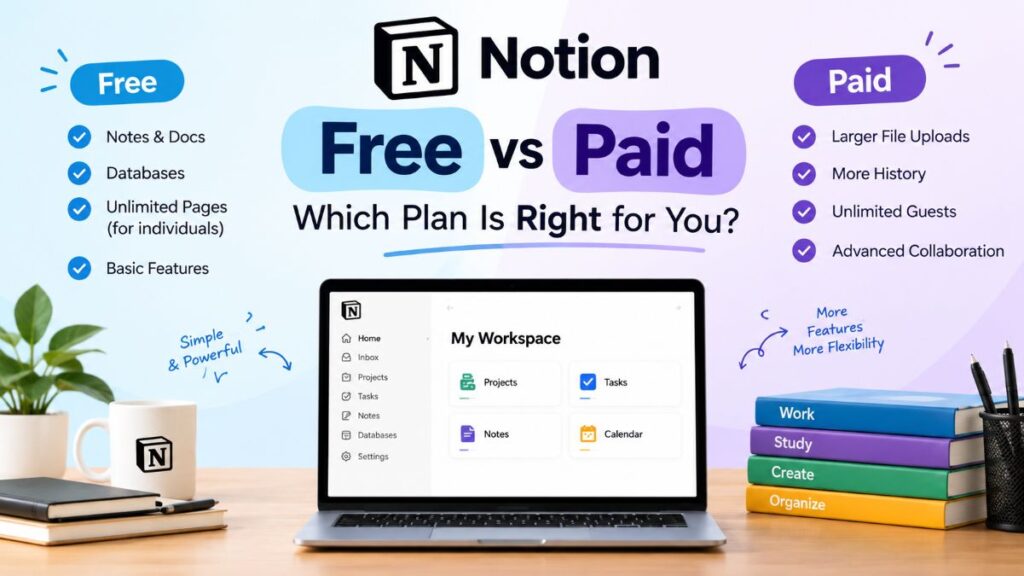
Notion can start as a simple note-taking app and quickly become a complete workspace for tasks, projects, databases, research, content planning, and personal organization. You will get to know the difference of Notion Free vs Paid.
But there’s an important question: do you actually need to pay for Notion?
For many individual users, the Free plan is more than enough. Paid plans become more useful when you need larger file uploads, longer page history, more collaboration options, or advanced business features.

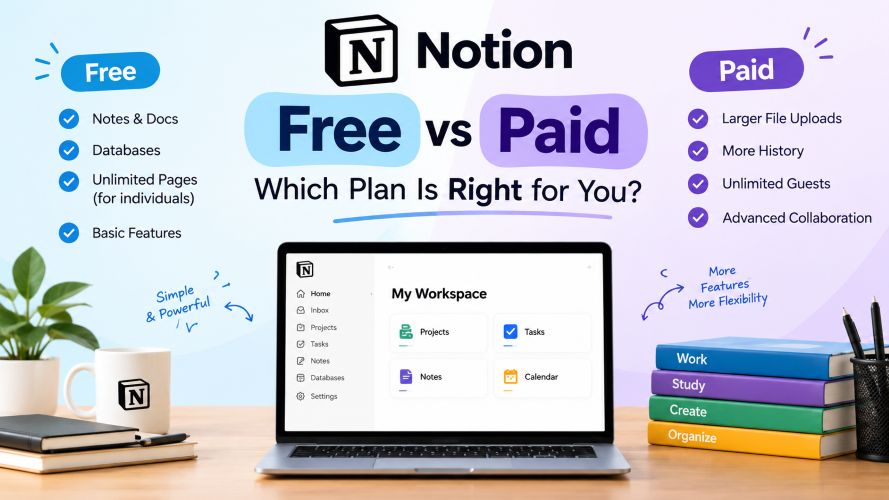
In this guide, we’ll compare Notion Free vs Paid, explain the important differences, and help you choose a plan based on how you actually use Notion.
Notion Free vs Paid: Quick Summary
| Feature | Free | Plus | Business |
|---|---|---|---|
| Price | $0 | From $10/member/month* | From $20/member/month* |
| Pages & blocks | Unlimited for individuals | Unlimited | Unlimited |
| File uploads | Up to 5 MB/file | Unlimited* | Unlimited* |
| Page history | 7 days | 30 days | 90 days |
| Guests | Limited | Unlimited | Unlimited |
| Advanced team features | Limited | More collaboration tools | Advanced business features |
*Pricing and plan features can vary by billing method, region, workspace, and current Notion offers. Check the official pricing page before purchasing.
Quick answer: If you mainly use Notion for personal notes, tasks, databases, studying, or content planning, start with Free. If Free is creating a specific limitation, compare Plus or Business based on your needs.
What Do You Get With Notion Free?
Notion Free isn’t simply a limited trial. For individual users, it includes many of the core features people use Notion for every day.
Unlimited Pages and Blocks for Individual Use
Notion states that individual users on the Free plan can create unlimited pages and blocks. This makes the plan suitable for personal notes, journals, study systems, project trackers, reading lists, and content calendars.
There is an important distinction for collaborative Free workspaces. When multiple members are added, Notion applies block restrictions to Free workspaces.
Databases and Productivity Tools
You can use Notion databases to organize tasks, projects, research, contacts, content, and other structured information.
Views and properties make it possible to build customized systems without maintaining separate spreadsheets for everything.
Basic Publishing Features
The Free plan also supports basic page publishing and forms. That can be useful if you want to share a simple resource, portfolio page, form, or public knowledge base.
5 MB File Upload Limit
One of the clearest Free-plan limitations is the file upload size. Notion currently lists a 5 MB per-file upload limit for Free.
If most of your workspace consists of text, links, tables, and lightweight documents, this may rarely bother you.
If you regularly upload large PDFs, videos, presentations, or design files, you may notice the limitation much sooner.
Seven-Day Page History
Free includes seven days of page history.
This gives you a useful recovery window if you accidentally change or delete information, but older versions eventually become unavailable.
What Does Notion Plus Add?
Notion Plus is mainly about removing practical restrictions and adding more flexibility for individuals and smaller teams.
Larger and Unlimited File Uploads
If you’re storing larger documents and media files, Plus removes the Free plan’s 5 MB per-file restriction.
Notion lists unlimited file uploads on Plus, subject to its applicable file-size rules.
30-Day Page History
Plus extends page history from seven days to 30 days.
This can be useful if you regularly edit long documents, databases, project plans, or important reference pages.
Unlimited Guests
Plus includes unlimited guests.
This is useful when clients, contractors, students, or external collaborators need access to selected pages without becoming full workspace members.
More Collaboration Capacity
If you’re working with other people inside Notion, Plus can make the workspace more practical by removing restrictions that matter more in collaborative environments.
What About Notion Business?
Notion Business is aimed at growing teams rather than casual individual users.
It adds more advanced collaboration, team management, permissions, and business-oriented functionality.
For a solo user, Business may offer more functionality than necessary.
If your only problem is file uploads or page history, Plus may address that particular need without requiring a business-focused plan.
Notion Free vs Paid: Which Features Matter Most?
Feature comparison tables can make paid plans look attractive simply because they contain more features.
A better approach is to identify the limitations that affect your own workflow.
| Your Situation | Important Feature | Plan to Consider |
|---|---|---|
| Personal notes and tasks | Pages, blocks, databases | Free |
| Student or solo creator | Notes, planning, research | Free first |
| Large file library | File uploads | Plus |
| Frequent editing | Version history | Plus |
| Small collaborative team | Guests and collaboration | Plus |
| Growing organization | Advanced team features | Business |
The right question isn’t “Which plan has more features?”
Instead, ask: “Which features do I actually need?”
Notion Free vs Paid: Pros and Cons
| Notion Free | Notion Paid |
|---|---|
| Pros: No subscription cost | Pros: Larger file capabilities |
| Strong personal productivity features | Longer page history |
| Unlimited pages and blocks for individuals | More collaboration capacity |
| Useful databases | Additional customization |
| Good for testing Notion | Advanced business functionality |
| Cons: 5 MB file limit | Cons: Recurring cost |
| Seven-day history | Some features may be unnecessary |
| Collaborative restrictions | Business can be excessive for simple workflows |
| Some advanced features unavailable | Higher cost for larger teams |
Who Should Stay With Notion Free?
Notion Free is a practical choice if you’re mainly using the platform for personal organization.
It can be suitable for:
- Students managing notes and assignments
- Freelancers organizing personal projects
- Writers planning articles and research
- Creators managing content calendars
- People building personal knowledge bases
- Users who mainly store text and lightweight files
- Anyone still learning Notion
If you haven’t encountered a Free-plan limitation, there may be little practical benefit in paying simply to unlock additional features.
Who Should Consider Notion Plus?
Plus becomes more relevant when Notion has become an important part of your daily workflow.
You may want to consider Plus if:
- You regularly upload files larger than 5 MB.
- You need more than seven days of page history.
- You collaborate with multiple people.
- You work with external clients or collaborators.
- You want fewer restrictions around collaborative content.
- Notion’s Free-plan limits are slowing down your workflow.
The key is to upgrade because you need a specific feature, not simply because the paid plan has a longer feature list.
See Full Notion Plus Features
Real-World Notion Use Cases
Student
A student can use Notion for class notes, assignment tracking, study schedules, reading lists, and exam planning.
If the workspace is mainly personal, Free may be enough.
Freelance Writer
A freelance writer can manage clients, editorial calendars, research, article outlines, and project notes.
Free can work well initially, while Plus becomes more useful when file storage or collaboration requirements increase.
Small Marketing Team
A marketing team may need shared project areas, client collaboration, larger files, and more flexible workspace management.
Those requirements can make a paid plan worth investigating.
Growing Business
A growing organization may need advanced permissions, teamspaces, integrations, analytics, and business-focused tools.
In that situation, compare Business and Enterprise capabilities rather than looking only at Free versus Plus.
Is Notion Free Good for Students?
For many students, the Free plan can cover everyday note-taking and organization.
However, eligible students and educators may also qualify for Notion’s free Education Plan.
Notion’s education offering has specific eligibility and verification requirements, so students should check their eligibility before purchasing a regular subscription.
Is Notion Free Enough for Most People?
For many individual users, yes.
The Free plan includes core productivity tools such as pages, databases, basic forms, web publishing, and other features that can support a complete personal productivity system.
The deciding factor is how you use Notion.
Someone who primarily writes text may rarely notice the Free limitations. Someone managing large media files or several collaborators may reach those limits much sooner.
How to Choose the Right Notion Plan
Before upgrading, answer these five questions:
- Do I need larger file uploads?
If yes, compare Free and Plus. - Do I need older page versions?
Free provides seven days, while Plus provides 30 days. - Am I collaborating with other people?
Check the differences between members, guests, and workspace restrictions. - Am I using Notion for business?
If you’re managing a growing team, look at Business features. - Have I actually reached a limitation?
If not, staying with Free may be perfectly reasonable.
This approach keeps your subscription based on an actual need instead of a feature checklist.
Notion Alternatives to Consider
Notion is flexible, but it isn’t the only productivity tool worth considering.
Google Docs
Google Docs is useful when traditional document editing and collaboration are your priority.
Microsoft OneNote
OneNote is worth considering if you prefer a notebook-style note-taking system.
Trello
Trello is a straightforward option for people who primarily want visual task boards.
Obsidian
Obsidian can be useful for people who prioritize interconnected personal notes and local files.
The right tool depends on your workflow. More features aren’t automatically better if you don’t need them.
These internal links can help readers discover related content while also strengthening topical relevance across your website.
Frequently Asked Questions
Is Notion free to use?
Yes. Notion offers a Free plan at $0 per seat/month.
Individual users can access many of Notion’s core productivity features without paying for a subscription.
What is the main difference between Notion Free and paid?
The main differences include file upload limits, page history, collaboration capacity, and additional features available on paid plans.
Is Notion Plus worth paying for?
It depends on your needs.
Plus can be useful if you need larger file uploads, longer page history, unlimited guests, or more collaboration capacity.
Casual individual users may find Free sufficient.
Does Notion Free have unlimited pages?
For an individual user, Notion states that the Free plan provides unlimited pages and blocks.
Free workspaces with multiple members have different block restrictions.
How large can files be on Notion Free?
The Free plan currently has a 5 MB per-file upload limit.
Paid plans offer larger or unlimited upload capabilities depending on the plan and applicable restrictions.
How long is Notion version history?
The current plan comparison lists seven days for Free, 30 days for Plus, and 90 days for Business.
Can students get Notion for free?
Eligible students and educators can qualify for Notion’s free Education Plan.
Verification and eligibility requirements apply.
Can I upgrade from Notion Free later?
Yes.
You can upgrade your Notion workspace later if you decide that a paid plan better fits your requirements.
Final Verdict: Notion Free vs Paid
The most important lesson from this Notion Free vs Paid comparison is simple: don’t upgrade just because the paid plan has more features.
For personal productivity, studying, note-taking, content planning, and lightweight project management, Notion Free can provide plenty of functionality.
Plus becomes more relevant when practical restrictions start affecting your workflow, particularly file uploads, page history, or collaboration.
Business is designed for organizations that need more advanced team and business functionality.
So instead of asking, “Which Notion plan has the most features?”, ask:
“Which limitation is currently costing me time?”
If the answer is “none,” Free may be all you need.
If you can identify a specific limitation that a paid plan solves, that’s when comparing the upgrade makes sense.